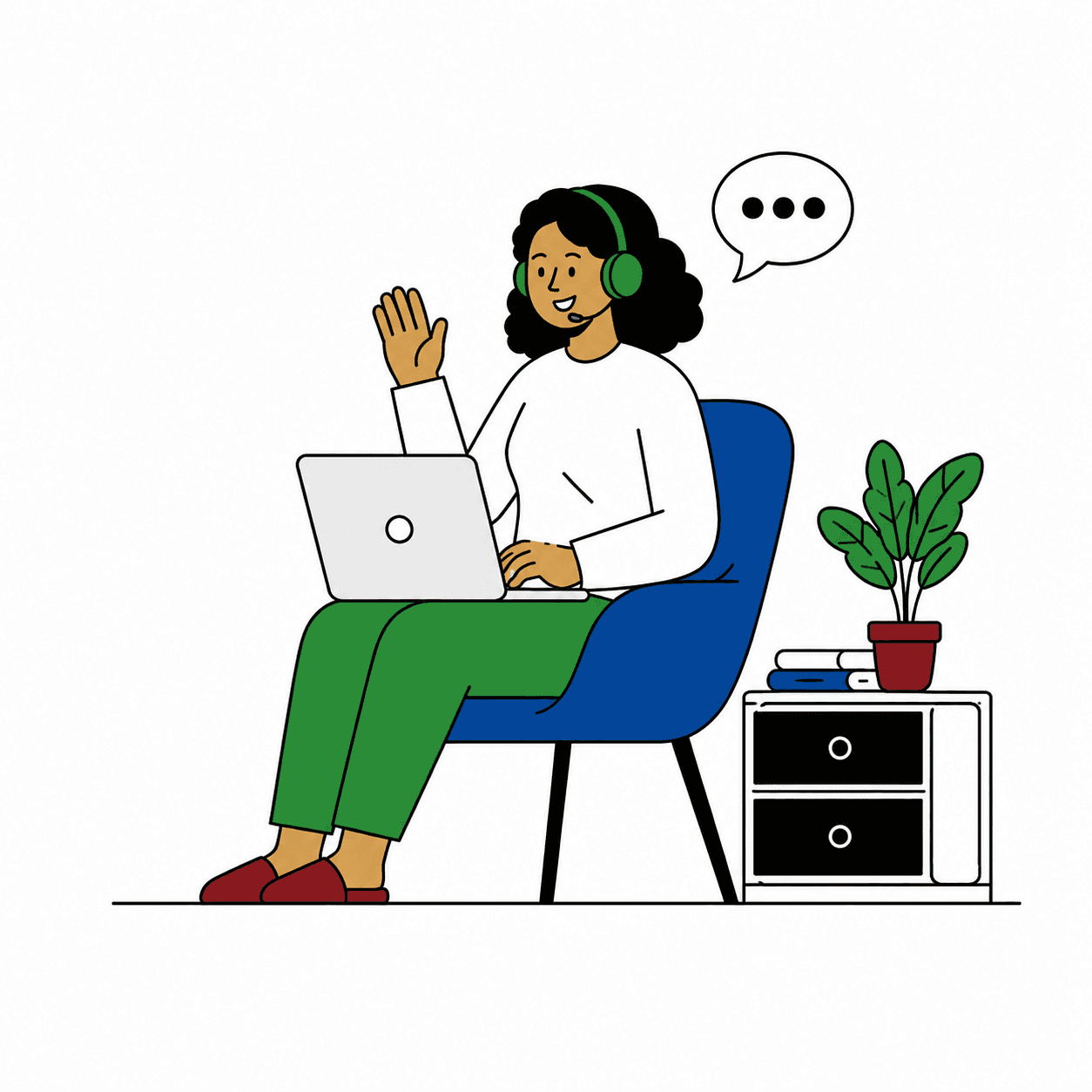
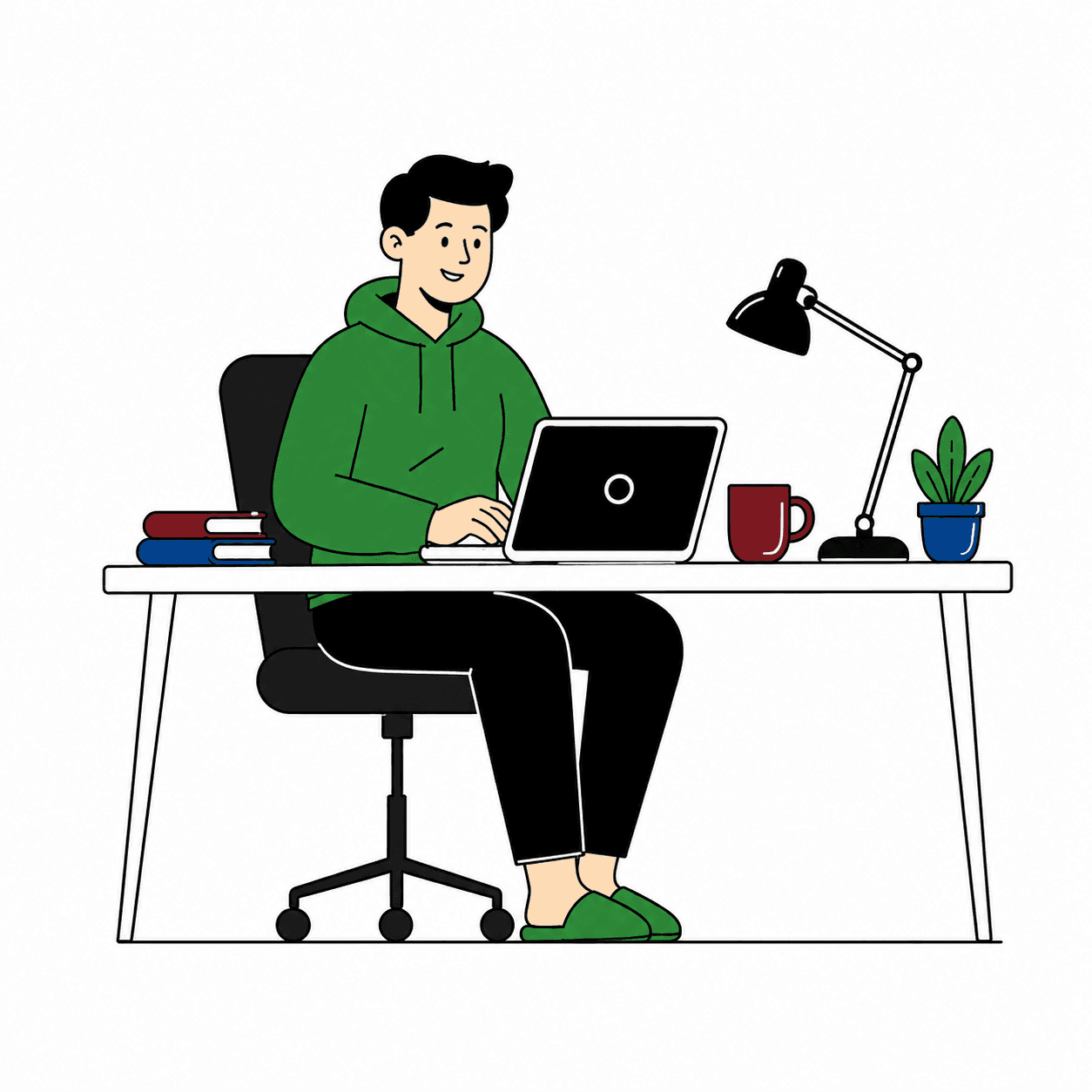
Why home-based agents outperform the call center
What the work-from-home model changes about hiring, scheduling, security, and supervision, and the situations where it is the wrong choice.

For decades the call center building was the default and the home office was treated as a concession. Operated properly, the home-based model is the stronger of the two for most support work. Operated as the same job in a different chair, it is the weaker one.
The difference is whether you treat home-based as a location or as an operating model. A location change keeps every floor habit and removes the floor those habits depended on. An operating model redesigns hiring, scheduling, security, and supervision around the fact that nobody shares a room. We have run home-based teams for more than 30 years. This piece sets out where the advantage comes from, what it demands of you, and when you should not use the model at all.
Where the advantage comes from
The popular explanation is that people are happier at home and happy agents give better service. Some are, and it is a weak foundation for an operating decision. The structural advantage is that a building imposes two constraints and the home-based model removes both. A building limits hiring to people within commuting distance, and it forces work into long shift blocks because nobody travels in for two hours. Nearly every benefit of the model traces back to lifting one of those two limits.
Two lazy beliefs deserve a direct answer. The first is that remote is simply cheaper. The building cost does go away, but part of it moves into managed equipment, security tooling, and supervision that has to be deliberate. A provider who presents the model as pure savings has not priced what it takes to run it well.
The second is that you cannot control quality if you cannot see the agents. A floor supervisor sees posture, not the contact. Quality was always managed through recordings, scorecards, and data, and those work the same from anywhere.
The hiring pool: wider, and different
A building hires people who live nearby and can commute on a shift pattern. A home-based operation hires anywhere it is set up to employ. That reaches people for whom the commute was the obstacle: caregivers, people with mobility limits, military spouses who relocate often, rural residents, and experienced professionals or retirees who want part-time hours. Many bring work histories that an entry-level call center posting in one city never attracts.
The wider pool also lets you recruit for the program instead of the zip code. A medical line can look for people with healthcare administration backgrounds. A bilingual queue is not limited to one metro area's language mix.
A wider pool does not make hiring easier. It produces more applicants, so screening has to be sharper, and it has to test for things a floor never required.
- Self-direction — evidence of working well without anyone watching, ideally from earlier remote or independent work.
- Written communication — help arrives by chat, so an agent must be able to describe a problem clearly in two lines of text.
- Workspace — a private room with a door, not a kitchen table, and verified instead of merely attested.
- Connectivity and equipment — a wired connection, a stability test over several days, and a plan for outages.
- Basic troubleshooting — there is no IT desk down the hall, so an agent needs to be comfortable with a headset, a restart, and a support ticket.
Two cautions on remote hiring
Give candidates a realistic preview. Isolation is real, and some people discover in week three that they hate it. A simulated shift during the hiring process, alone at home and on the tools, filters that out better than any interview question.
Employing people across state or national lines brings employment, tax, and worker classification obligations in every place you hire. Confirm those with counsel before you open a new geography, not after the first hire.
Scheduling: the quiet advantage
Contact volume does not arrive in eight-hour blocks. It arrives in peaks, often a mid-morning one and an evening one, with troughs between them. A building schedules in long blocks anyway, which means paying for idle agents in the troughs and running short at the peaks.
Agents at home can work short shifts, split shifts, or a three-hour window around a peak. Staffing can follow the arrival curve far more closely, and that is where much of the model's efficiency comes from. It is less about removing the building and more about not staffing the wrong hours.
Round-the-clock coverage works the same way. Nights can be covered by agents in time zones where it is still evening, or by people who prefer night work and do not have to travel at 2 a.m. to do it. Overnight coverage built on preference holds up far better than coverage built on forced rotation. It is how we staff 24/7/365 programs.
Surge and continuity improve as well. Extra hours can be offered and picked up within the hour, and a snowstorm that closes a building does not close a distributed team. The reverse risk is real, though. A regional power or internet failure takes out a cluster of agents at once, and a platform outage takes out everyone. Spread the pool geographically on purpose, watch for concentration in one metro area or one internet provider, and keep an outage procedure agents can reach from a phone.
One failure mode: flexible scheduling without discipline becomes chaos. Short shifts multiply the number of schedule pieces to manage. You need published schedules, adherence tracking, and clear shift-swap rules, or the flexibility turns into coverage gaps nobody owns.
Securing a home office
Start from one principle: treat the home as an untrusted environment and design so that very little sensitive data ever lives there. Then build controls in layers.
- Device — a company-managed and locked-down machine, or a virtual desktop so data stays in the data center and the home computer is only a screen. Encrypted disk, no local saving, no printing, no USB storage, patches enforced.
- Access — multi-factor authentication, least-privilege access by role, session timeouts, and access removed the same day someone leaves.
- Network — an encrypted connection to your systems, a wired link preferred, no public Wi-Fi, and no shared family computers.
- Data handling — sensitive fields masked on screen wherever your tools allow, and payment capture that keeps card numbers away from the agent, such as the customer keying digits on their phone. If you take card payments, PCI DSS applies to home environments too, so work through the specifics with your assessor.
- Physical space — a private room, a clean desk, no customer data written on paper, no smart speakers in the room, and a screen that cannot be seen from a doorway or window. Verify with photos or a video walkthrough at hire and re-attest on a schedule.
- People — background checks where lawful and appropriate, confidentiality agreements, security training with refreshers, and an incident reporting path every agent knows.
Regulated data, and the honest limit
If agents handle protected health information on behalf of a covered entity, the vendor is a business associate and a business associate agreement is required. The minimum-necessary standard applies, meaning agents see only what the task needs. Those obligations do not change because the agent is at home. How you meet them does. For anything beyond that level of detail, confirm with counsel.
Be honest about the limit. You cannot fully stop someone photographing a screen at home. You cannot fully stop it in a building either, since phones exist, although a clean-room floor with lockers makes it harder. The practical answer is to limit what is displayed, mask what you can, log access, and review those logs for unusual patterns.
The belief that a building is secure by default is wrong in the other direction. A building gives you physical control. Most data loss runs through logical paths such as stolen credentials, over-broad access, and unpatched devices, and those are identical in both models.
Supervising people you cannot see
Your contact center platform already gives a remote supervisor what a floor supervisor has: agent state, queue status, schedule adherence, and the ability to listen to a contact, whisper to the agent, or join when needed. What the platform does not replace is presence. Every team needs an open help channel with a named supervisor on every shift, nights included, and an expected response time measured in moments. An agent stuck mid-contact at home with nobody answering is the model's worst experience, for the agent and for the customer.
Manage by output: quality scores, resolution, adherence, and customer feedback. Constant webcam monitoring and keystroke tracking are poor substitutes for management. They measure presence instead of work, they tell your best agents you do not trust them, and those agents have other options. Where a program's security requirements do call for camera-based workspace checks, say so at hire, limit the checks to that purpose, and confirm the monitoring and consent rules for each jurisdiction with counsel.
Do not stretch supervisor spans because the work is all software now. Every remote check-in is deliberate, which takes more supervisor time per agent, not less. A supervisor with too many home-based agents stops supervising and starts reading dashboards. Give each agent a daily touchpoint, even a short one, and put a structured coaching rhythm on top.
When the model is a poor fit
The title of this piece holds for most support work, not all of it. Keep the work in a facility, or split it, in these situations.
- Physical handling — paper mail, checks, returned goods, or hardware that has to be touched.
- Mandated facilities — some client contracts, payment arrangements, and government programs specify a controlled site. If the contract says so, that settles it.
- Unmaskable sensitive data — work where full sensitive records must be on screen and no masking or redesign is possible.
- Systems that cannot travel — legacy desktop applications that cannot be virtualized, or tools locked to an office network.
- Unreliable infrastructure — regions where home power or connectivity is not dependable enough for live voice.
- Unchanged management — if your leaders intend to manage by line of sight, keep the building. The model fails when floor habits are left in place with the floor removed.
Hybrid, and what to ask a provider
A hybrid is a legitimate answer. Route the sensitive slice of contact types to a controlled site and everything else to home-based agents.
If you are evaluating a home-based provider, ask to see how workspaces and connections are verified at hire and afterward. Ask what device model they use and what stops data landing on a home machine. Ask where agents are located and how they are employed, what the supervisor ratio is on each shift including overnight, and what happens when an agent loses power mid-contact. Ask how agents are trained on your program before go-live and who certifies them. Ask what quality reporting and recordings you will receive, and how quickly access is revoked when someone leaves. Specific answers indicate a provider running an operating model. Vague ones indicate a provider running a location.
“A floor supervisor sees posture, not the contact. Quality was always managed through recordings, scorecards, and data, and those work the same from anywhere.”
The bottom line
Home-based agents outperform a building when the model is run as a model. The gains come from hiring beyond commuting distance and scheduling to the arrival curve, and they are protected by layered security, present supervision, and honest screening for people who work well alone. On Monday, list your contact types and mark each one as ready for home-based work, ready after masking or a tool change, or facility only. Compare your interval-level arrival pattern with your shift blocks and find the peaks that short shifts could cover. Then pilot a single queue with success measures agreed in advance: quality, resolution, adherence, and security incidents, judged against the same queue in-house. If you already run remote teams, audit three things this week: when workspaces were last re-attested, how fast access is removed after a departure, and how geographically concentrated your agents are.